Final Instagram Reel Cutter Application Script
Overview
Introduction
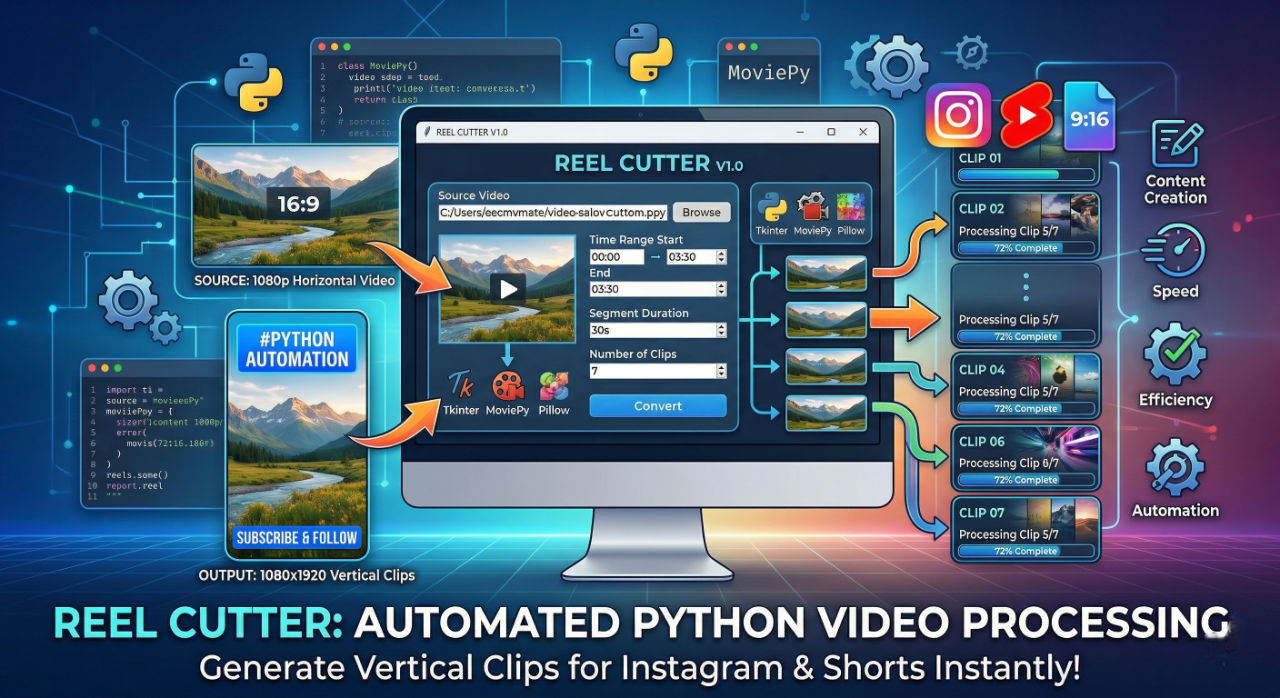
The provided Python script represents a desktop-based video processing application developed to automate the creation of short-form video content from longer video files. This tool is specifically designed to support modern content creation workflows by enabling efficient generation of vertically formatted video clips suitable for platforms such as Instagram Reels, YouTube Shorts, and similar media channels.The application is built using a combination of well-established Python libraries, including Tkinter for graphical user interface (GUI) development, MoviePy for video editing and processing, and Pillow (PIL) for image and text rendering. Together, these technologies provide a robust and user-friendly environment for performing complex video manipulation tasks without requiring manual editing in external software.
The primary function of this application is to allow users to select a video file, define a specific time range, and divide that segment into multiple smaller clips of equal duration. Each generated clip is automatically formatted into a vertical resolution (1080 × 1920), ensuring compatibility with short-form video platforms. Additionally, the tool supports the inclusion of customizable top and bottom text overlays, which can be used for titles, captions, or branding purposes. This system incorporates automation features such as sequential file naming, dynamic text wrapping, and real-time progress tracking. It also includes validation mechanisms to handle input errors, ensuring reliable execution. Furthermore, the use of multi-threading prevents the user interface from freezing during video processing, thereby improving usability and performance. Overall, this application serves as an efficient solution for automating repetitive video editing tasks. It reduces manual effort, enhances productivity, and enables consistent output generation, making it particularly valuable for content creators, educators, and developers working in media automation and digital content production.Detailed Code Explanation
The provided Python script implements a complete automated video processing application. The following explanation is written in a structured, professional manner to help students clearly understand how the code works internally.The script begins with the import of required libraries, each serving a specific role in the application. The os module is used for interacting with the file system, such as reading directories and creating folders. The tkinter library provides the graphical user interface components, enabling user interaction through buttons, input fields, and labels. The moviepy.editor module is responsible for all video-related operations, including loading video files, cutting clips, resizing frames, and exporting final outputs. The PIL (Pillow) library is used to generate images and render text, which later become overlays on the video. The numpy library is used to convert image data into array format for compatibility with MoviePy, and the threading module allows the program to execute long-running tasks without freezing the interface.
A compatibility fix is included to handle differences between Pillow versions. The script checks whether the ANTIALIAS attribute exists in the Image module. If it does not, it assigns the modern equivalent Image.Resampling.LANCZOS. This ensures that image resizing functions work correctly across different environments.
The first functional component in the script is a utility function that determines the next available file index for saving output videos. It scans the selected output directory, identifies all .mp4 files, extracts numeric file names, and calculates the next index value. This mechanism prevents overwriting existing files and maintains a sequential naming system.
The application processes the video in a loop, dividing it into smaller segments based on the specified duration. For each segment, a new clip is created. The script then generates text overlays for both the top and bottom sections of the video. The top text includes dynamic numbering, which increments for each segment, while the bottom text remains constant. The text is first wrapped and rendered onto an image using Pillow, then converted into a MoviePy ImageClip. These clips are positioned relative to the main video frame, ensuring proper spacing and alignment.
Advantages
The application provides a highly efficient solution for automating video editing tasks. One of its primary advantages is the ability to convert long-form videos into multiple short clips automatically, significantly reducing the time and effort required for manual editing. This makes it especially useful for content creators who regularly produce short-form videos for social media platforms. Another important advantage is its user-friendly graphical interface. Since the application is built using Tkinter, users do not need programming knowledge to operate it. All functionalities, including video selection, time configuration, and text input, are accessible through simple interface elements. The use of automation in this script ensures consistency across all generated video clips. Each output maintains the same resolution, formatting, and text positioning, which is essential for professional content production. Additionally, the automatic file naming system prevents overwriting and keeps output files organized. The application also incorporates multi-threading, which improves performance by allowing video processing to run in the background. This ensures that the user interface remains responsive during execution, enhancing the overall user experience. Another key strength is the dynamic text handling capability. The script automatically wraps and aligns text based on the available width, ensuring that overlays remain readable and visually appealing regardless of content length. Furthermore, the application includes proper error handling and input validation. This minimizes runtime errors and provides clear feedback to the user, making the system more reliable and robust.Disadvantages
Despite its strengths, the application has certain limitations. One of the main disadvantages is its dependency on specific system configurations. For example, the script uses a fixed font path (C:/Windows/Fonts/arial.ttf), which may not work on non-Windows systems or machines where the font is unavailable. This reduces portability.
Administrator
User Reviews & Comments
Share your experience with this Blog. Your feedback helps our community make informed decisions!
Share Your Experience
Help others by sharing your thoughts about this Blog.
Related Blogs
Explore more Blogs in the same language
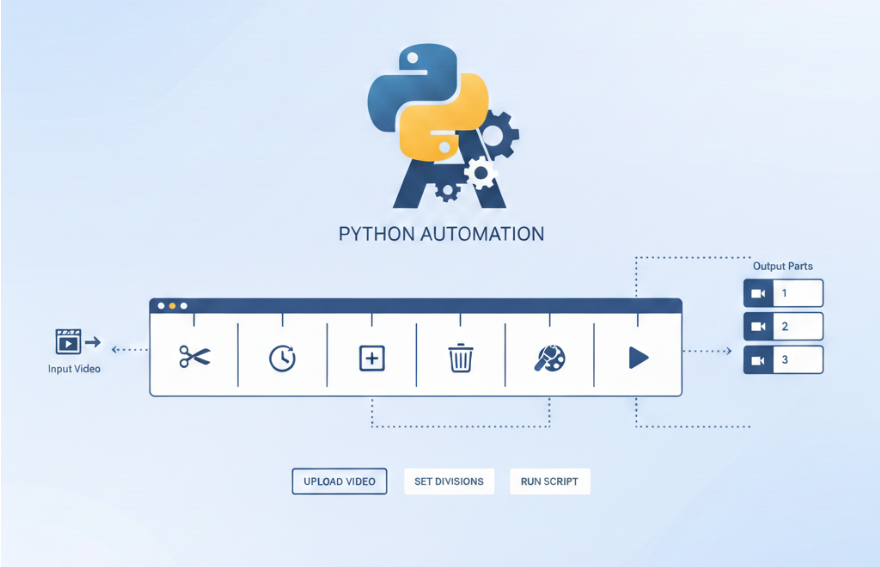
Automating Long Video Splitting into Short Clips Using Python
Python
Learn how to automatically split long videos into short clips using Python. Create reels-ready videos with free, local video automation for Instagram and Facebook.

Automate Video Editing with Python: Add Dynamic Top & Bottom Text to Shorts
Python
Learn how to automate video editing with Python by converting long videos into Shorts or Reels. This tutorial explains dynamic top and bottom text overlays, auto-incrementing part numbers, MoviePy usage, and GitHub-based version updates with git pull or clone.
FFTOUR
1 month agoimport 'package:flutter/material.dart'; void main() { runApp(const MyApp()); } class MyApp extends StatelessWidget { const MyApp({super.key}); @override Widget build(BuildContext context) { return MaterialApp( debugShowCheckedModeBanner: false, title: 'FF Tournament', home: const HomeScreen(), ); } } class HomeScreen extends StatelessWidget { const HomeScreen({super.key}); @override Widget build(BuildContext context) { return Scaffold( appBar: AppBar( title: const Text('FF Tournament'), ), body: ListView( children: [ ListTile( title: const Text('BR Tournament'), onTap: () {}, ), ListTile( title: const Text('CS Tournament'), onTap: () {}, ), ListTile( title: const Text('Leaderboard'), onTap: () {}, ), ListTile( title: const Text('Wallet'),